Enfila

For people who load their own music.

Your music plays in the order you meant.

Most players read files in the order they were copied — not the order you want. Enfila copies them in the right one.

Notarized by Apple Works offline — nothing leaves your Mac One-time purchase, no subscription
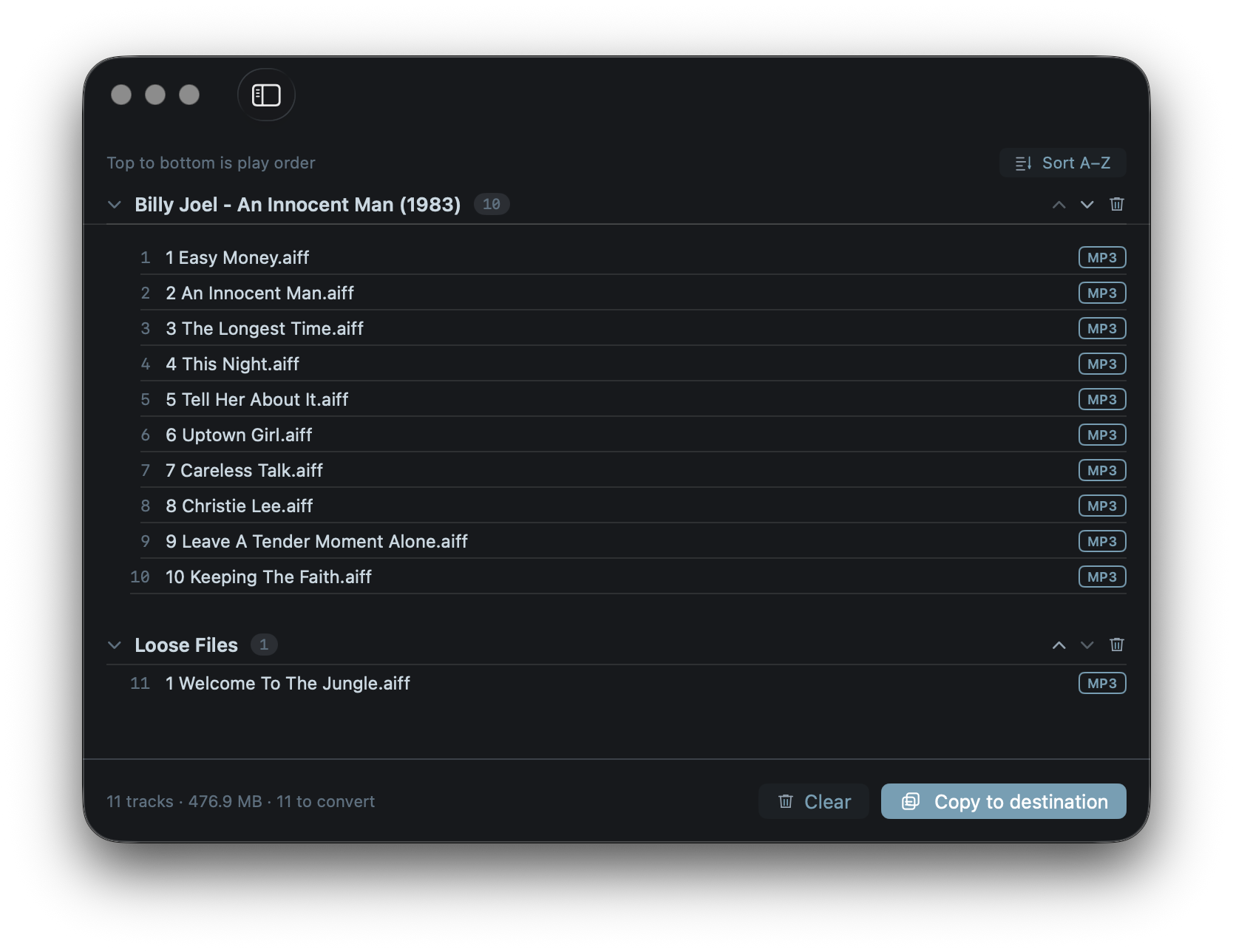
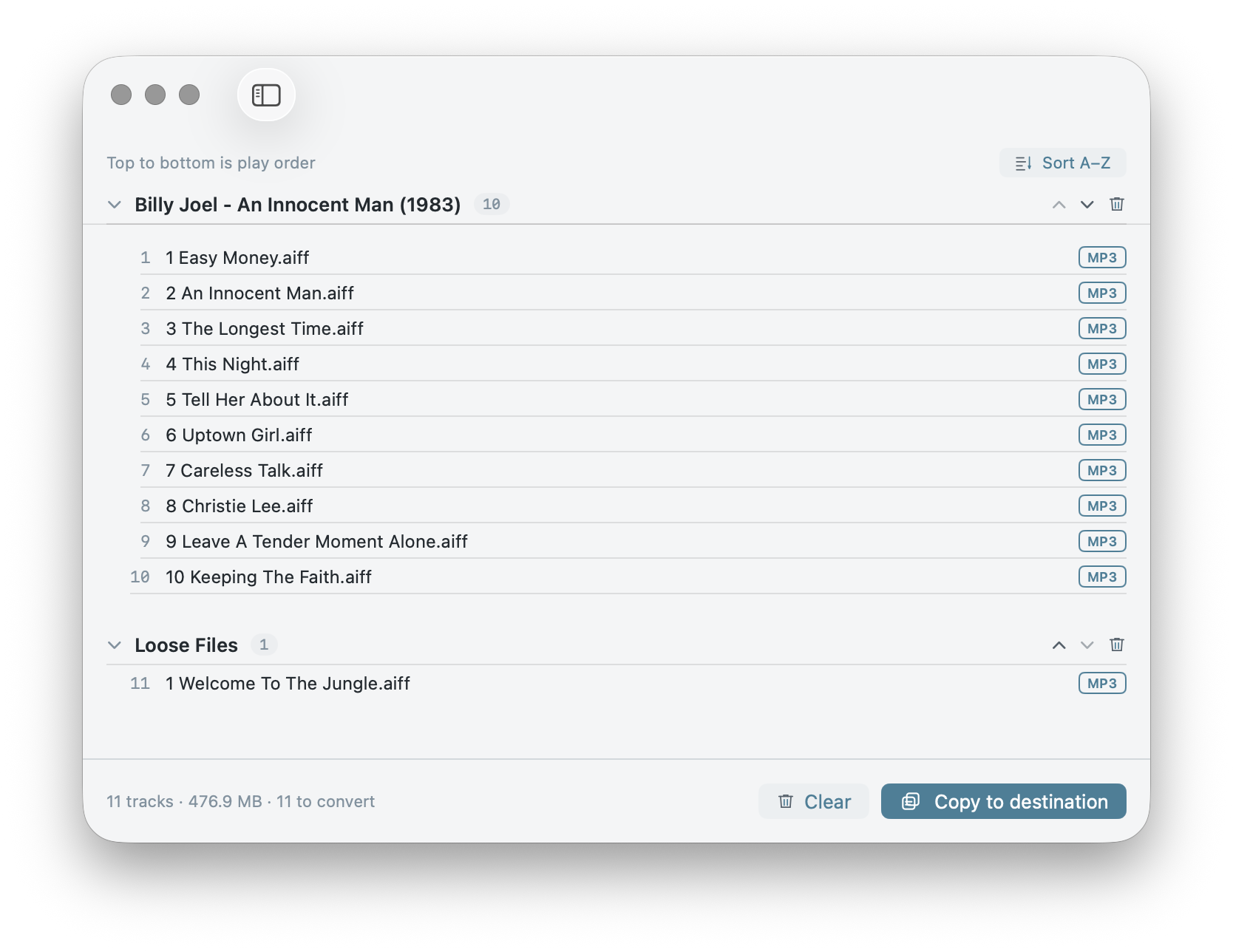
The Enfila staging window: albums and tracks in a single play-order queue.

The problem

Many devices play files in the order they were written to the disk — not by name, not by track number, not by tag. Copy an album the normal way and it plays scrambled.

Adding tracks later often breaks it further: earlier files stop showing up, so every update means writing everything again. Enfila controls the write order, so what you staged is what plays.

  1. Drag in albums or loose files. Tracks sort by number; albums become groups.
  2. Arrange the order. One sequence runs across the whole queue — that's the play order.
  3. Copy. Enfila writes one file at a time, in that exact order.
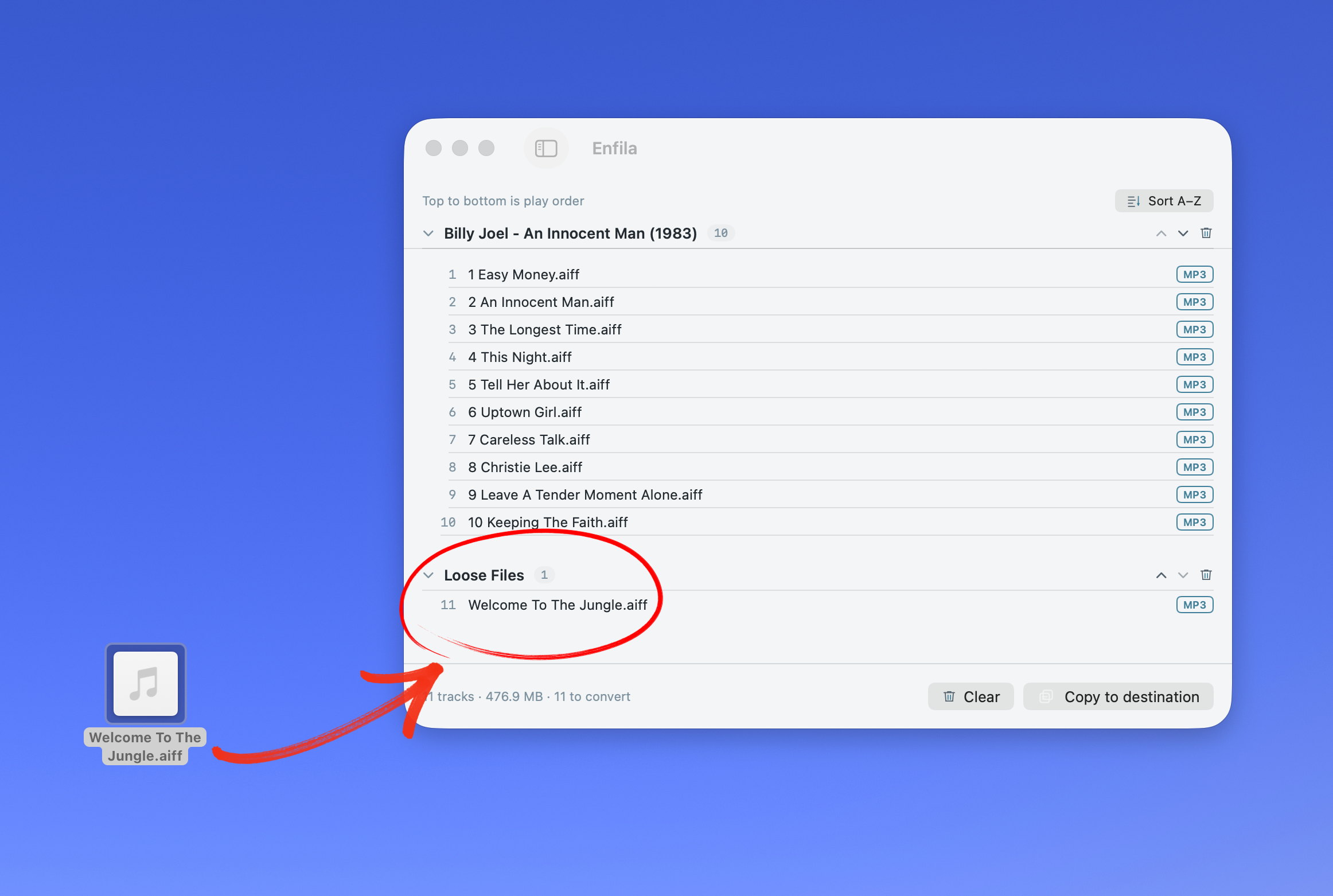
Dragging a loose track onto the Enfila window — it lands in the queue ready to copy.

Whatever the device plays, it gets.

FLAC, M4A, WAV, AIFF — anything that isn't already the right format is converted to MP3 before the copy. Originals are never touched. Tags carry over. You pick the bitrate.

Enfila converting non-MP3 tracks before copying.

You see exactly what will happen.

One confirmation: how many tracks, what's being replaced, and where. Choose whether to wipe the folder first. Subfolders like a watch's Maps folder are left untouched.

Enfila's copy confirmation showing track count, what's replaced, and the destination.

Not just watches

Sport watches, car stereos, cheap MP3 players, USB sticks — they share the same quirk and the same fix. Point Enfila at the folder and it does the ordered copy.

Load it once, in order.

A one-time purchase. Mac only. Notarized by Apple, runs entirely offline.

Enfila finished: files copied in order.